
What it shows
Your days left if you live to 80 years old, or an age you choose, ticking every second. Your life in weeks: one dot for every week of your life, to 80 or the age you choose, with this week lit. One focus line with its own countdown. And a short line about time each day, from Seneca, Marcus Aurelius, Horace and more.
A few quiet extras, only if you want them: up to five other things that are due, up to three countdowns to good things like a trip, up to three habits with this week's dots, and your next Calendar event and deadlines from Reminders. Those are read on your Mac and never sent anywhere. Leave them off and it's the number and your focus.
How it lives on a Mac
It sits behind your icons on every display, under your work, not in front of it. It's built to be light: one still frame, redrawn once a second so the clock ticks. Orbit can play a slow film of the Earth from the Space Station, only while you can see it and, unless you change it, only while charging. Everything stops while the displays sleep or the screen is locked.
Change your focus from Days Unspent in the menu bar and your desktop changes at once. From your phone or any other browser, type a new one at daysunspent.com/focus and your Mac follows within seconds. Your settings follow your license key from computer to computer, with no account.
Pick your look
Fifteen looks, from the moving Earth to a store receipt, or your own picture. The same days, the same focus, in the look that suits your desk.
All 15 included. On Mac, Windows and the web.
Moving A real film of the Earth, under your days.

OrbitThe Earth from the Space Station, slowly turning. A dot for each year.
Classic The originals. On every device.
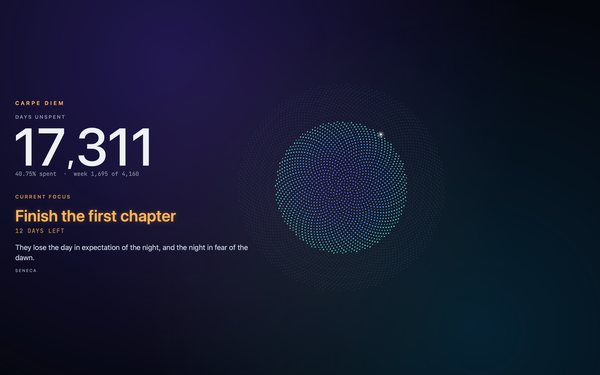
BloomNight sky, violet and teal. 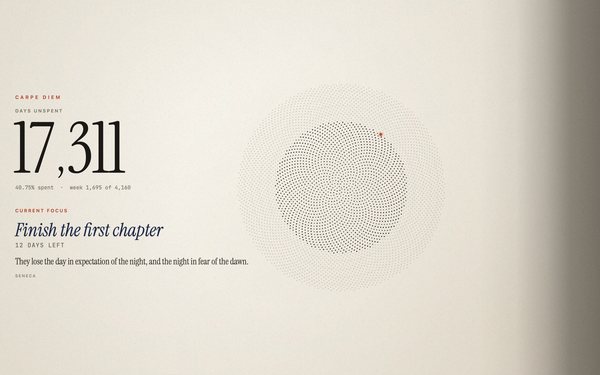
PaperWarm paper and black ink. 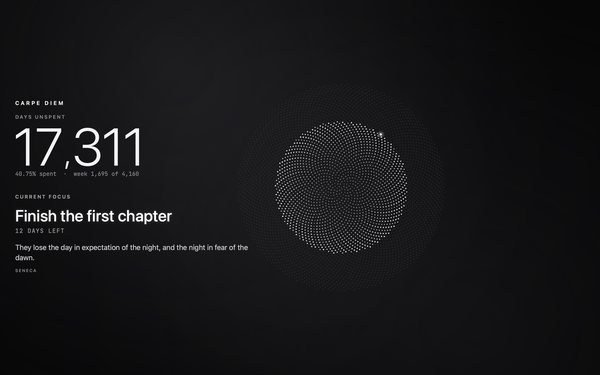
MonoBlack and white, nothing else.
Gallery Great pictures, under your days.
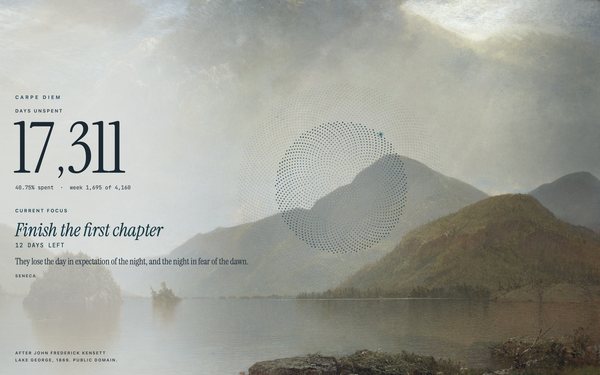
MistA quiet lake in morning haze, painted in 1869. 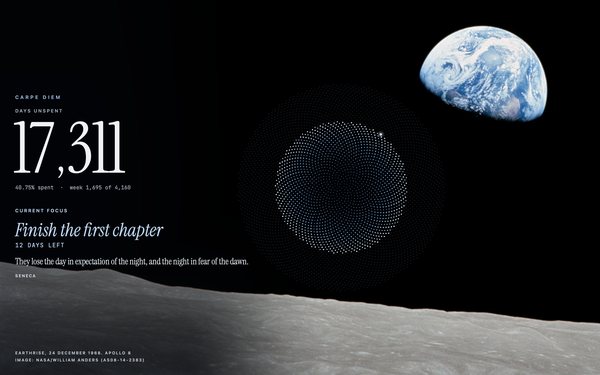
EarthriseEarth rising over the Moon, 1968. 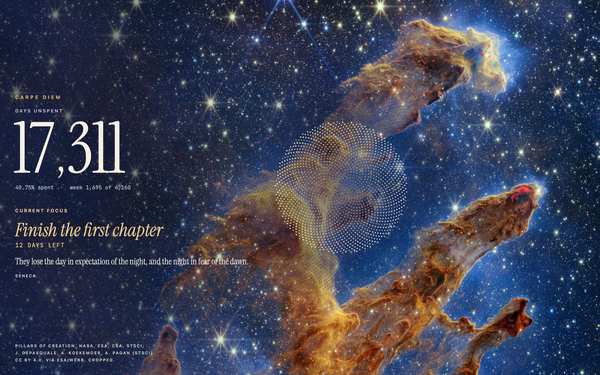
PillarsTowers of gas where new stars are born. 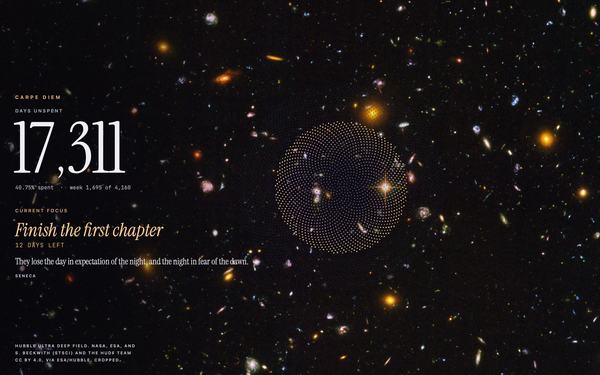
DepthThousands of galaxies in one patch of sky. 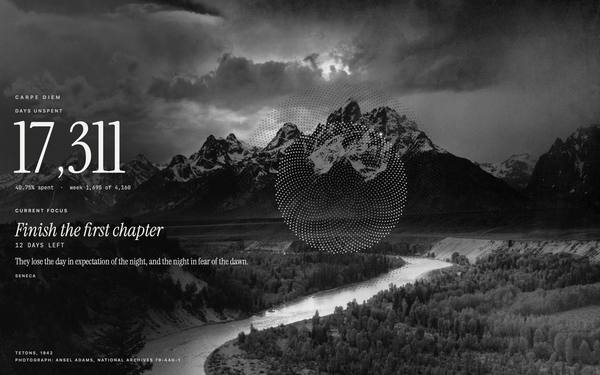
Tetons, 1942Mountains and a river, in black and white. 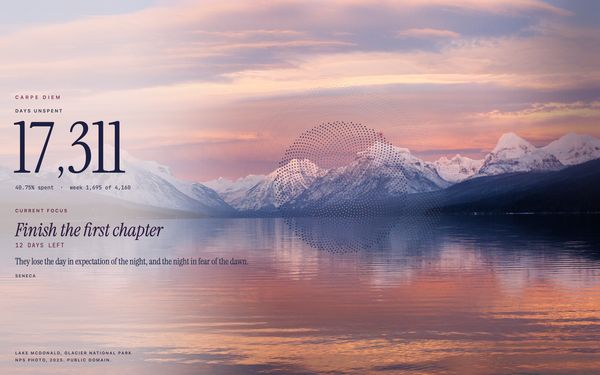
AlpenglowLast light on the peaks above a still lake.
Funny Your days, with a straight face.
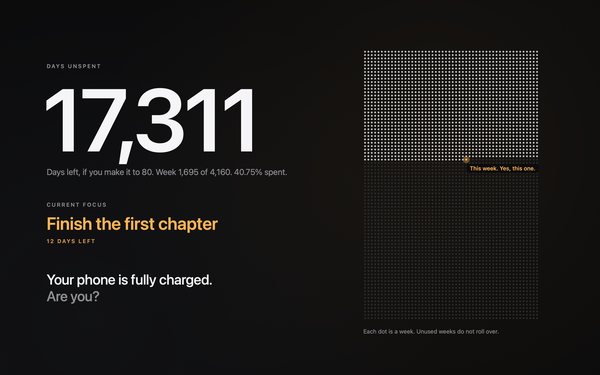
DeadpanA dry line each day. Are you charged? 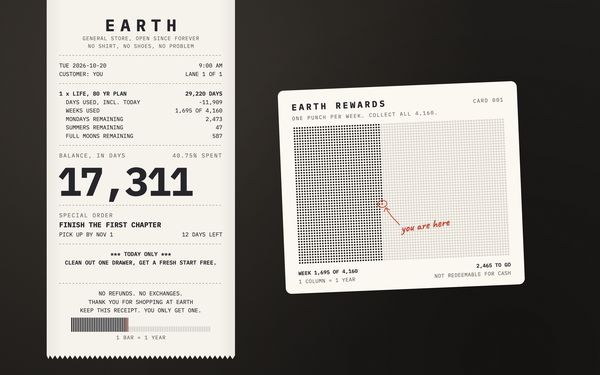
ReceiptYour life, itemised at the Earth General Store. 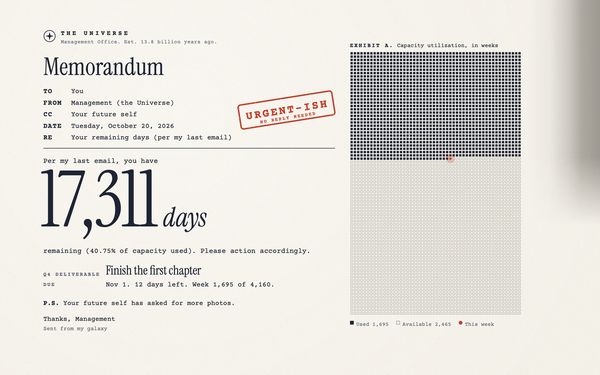
MemoA memo from Management (the Universe). 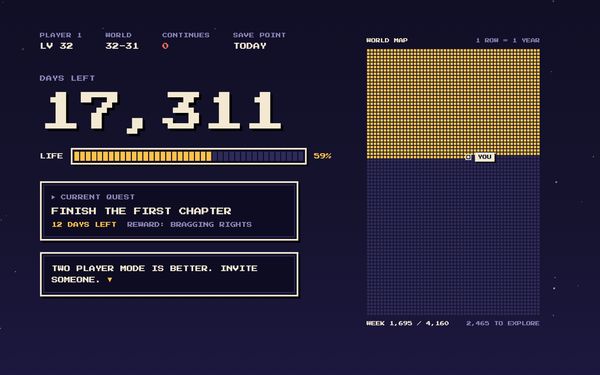
Player OneYour life as a retro game. Press start.
Switch any time from the menu bar on your Mac or at daysunspent.com/focus, and your other computers follow. The iPhone app has the other 13, and Orbit from version 1.2.
Picture credits
- Orbit: Earth from the International Space Station. 4K Earth Views Extended Cut for Earth Day 2021, NASA Johnson Space Center (filmed on the International Space Station, 2019 to 2020). Public domain in the United States (work of NASA).
- Mist: John Frederick Kensett, Lake George, 1869. The Metropolitan Museum of Art, New York, accession 15.30.61.
- Earthrise: Earthrise, 24 December 1968. Apollo 8. Image: NASA/William Anders (AS08-14-2383). NASA's own file.
- Pillars: Pillars of Creation. NASA, ESA, CSA, STScI; J. DePasquale, A. Koekemoer, A. Pagan (STScI). CC BY 4.0 (creativecommons.org/licenses/by/4.0), via ESA/Webb (esawebb.org/images/weic2216b). Cropped and drawn with a legibility veil by Days Unspent.
- Depth: Hubble Ultra Deep Field. NASA, ESA, and S. Beckwith (STScI) and the HUDF Team. CC BY 4.0 (creativecommons.org/licenses/by/4.0), via ESA/Hubble (esahubble.org/images/heic0406a). Cropped and drawn with a legibility veil by Days Unspent.
- Tetons, 1942: The Tetons - Snake River, Grand Teton National Park, 1942. Photograph: Ansel Adams, for the National Park Service. National Archives photo no. 79-AAG-1 (NAID 519904).
- Alpenglow: Lake McDonald, Glacier National Park, 30 December 2025. NPS photo (Glacier National Park, flickr.com/photos/glaciernps/55027916923). Public Domain Mark.
Includes original U.S. Government works. No protection is claimed in original U.S. Government works.
NASA, ESA, the National Archives and the National Park Service do not endorse Days Unspent.
Each picture is cropped and drawn with a soft legibility veil by Days Unspent.
Setup takes about a minute
Find your number free on the homepage, then pay once. Your license key arrives by email, and the setup page walks you through three steps: download the app, drag it into Applications and open it, then click Activate so your key goes straight in. New versions install themselves.
Also on Windows and iPhone
Windows 10 and 11 run the same clock through the free Lively app from the Microsoft Store. On your phone, Days Unspent for iPhone is on the App Store, for iOS 17 or later: your days, your focus and your weeks in the app, on the Lock Screen and in widgets. It's free to download. Buy once, here or in the app, and it works on both: bought here, sign in on the iPhone app with your purchase email; bought in the app, your Mac is included.
Nothing is ours except time.Seneca
Not sure yet? Try the free life in weeks calculator.